

An ultrasound system is more than a screen and a probe. Its usefulness depends on the examinations a facility performs, the people who operate it, the quality of the images it produces and the support available when something fails. A portable unit that suits bedside work may not meet the needs of a busy imaging room, while a large system can be difficult to move between sites. Product photographs rarely answer these questions. Before comparing adverts, define the work the machine must support and involve the clinicians who will use it. This guide covers the practical questions to ask a supplier before a facility commits to a purchase.
This is a procurement guide, not clinical advice. Diagnostic ultrasound should be selected, operated and interpreted by appropriately trained healthcare professionals, following current local requirements and the manufacturer’s instructions.
Start with clinical tasks and workflow
List the examinations your team currently performs and those it realistically plans to offer. Different applications may call for different probes, imaging modes and reporting tools. Avoid buying a feature because it sounds advanced if nobody in the facility needs or can use it. Ask clinicians to describe the images they must obtain, the measurements they use and the information they need to save for each patient.
Map the workflow around the device. Will it stay in one room or move between departments? Who prepares the examination space, cleans the probes, reviews images and maintains records? Consider the available power supply, space for a trolley, privacy for patients and whether the screen can be positioned comfortably. A machine that works well in a showroom may be awkward in the room where it will actually be used.
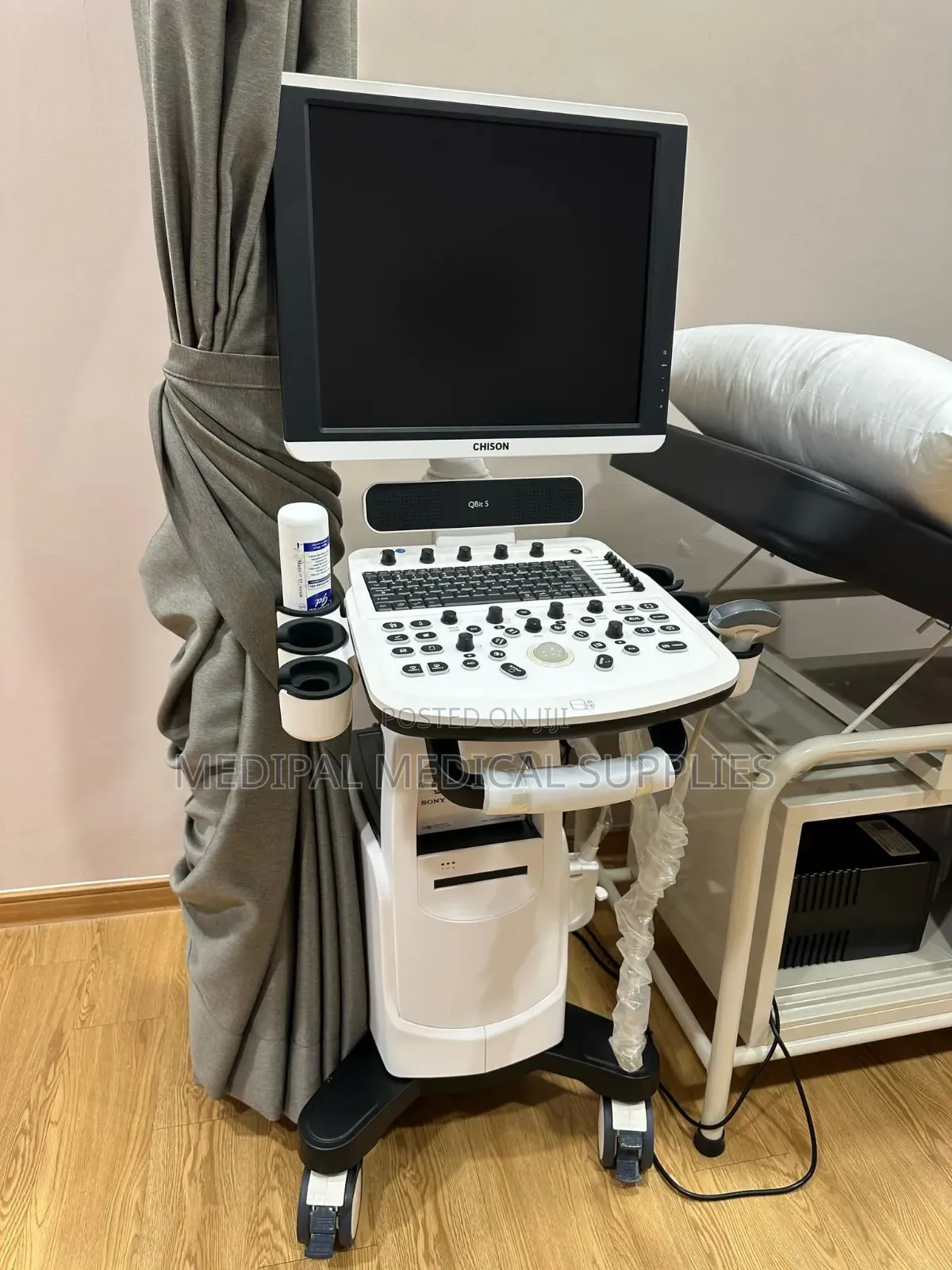
Comparing Ultrasound Machines listings can help a facility identify different formats and prepare questions for suppliers. Confirm that an advert offers a complete diagnostic imaging system rather than a printer, trolley, gel or another accessory. Request the exact model, software version, included probes and condition in writing before arranging a demonstration.
Match the probes to the intended work
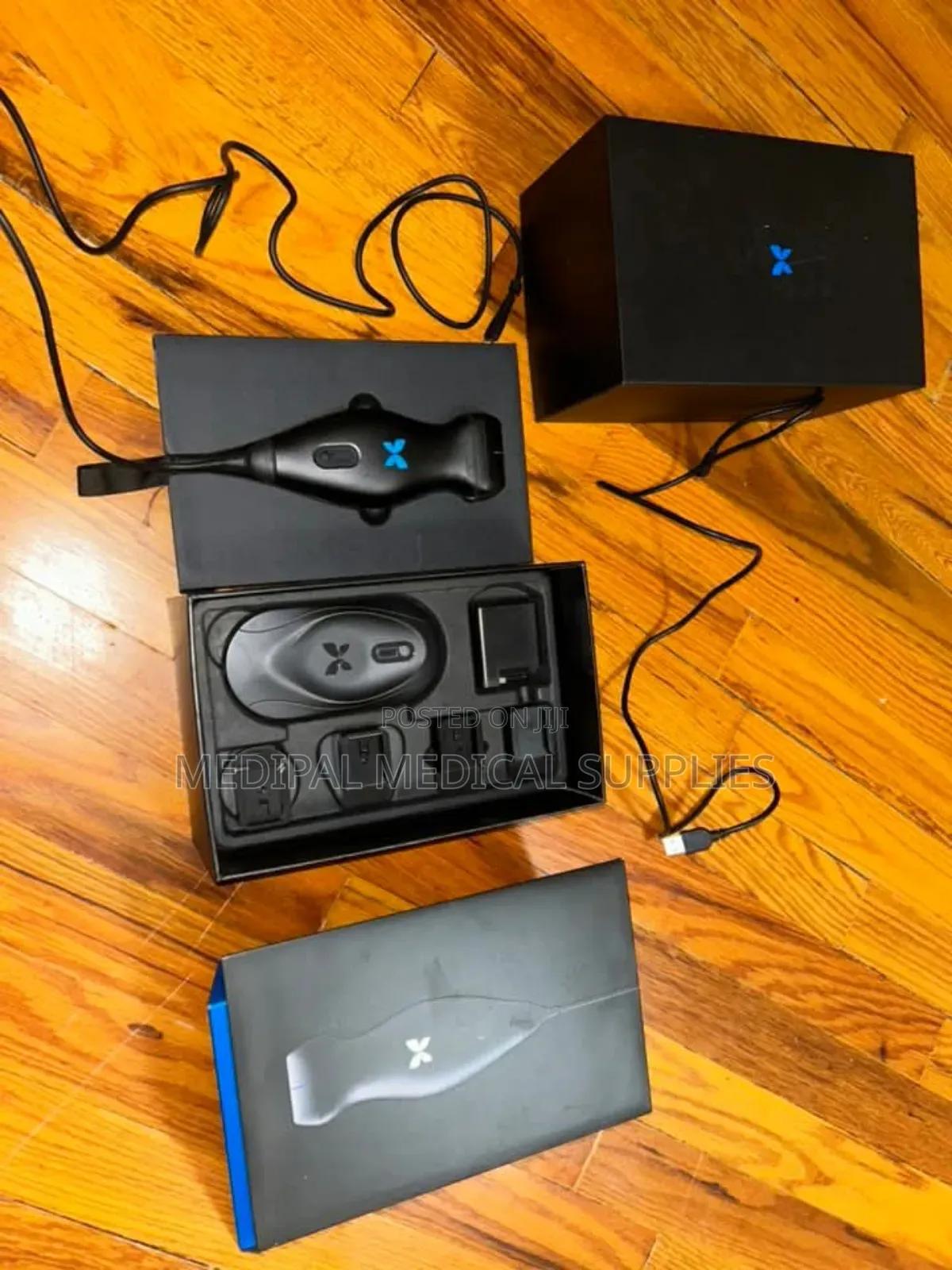
A machine’s value depends heavily on the probes supplied with it. A listing that says “with one probe” may leave out a probe essential for your service. Ask each clinical team to specify the examination types it needs, then have a qualified user confirm which probe designs and supported modes are suitable. Do not assume that any probe will work with any console, even if the connector appears to fit.
Inspect each probe closely. The cable, housing, connector and scanning surface should be sound, with no unexplained damage. Ask whether the supplier can demonstrate the probe on the exact machine being offered and whether replacements are available. For a refurbished unit, find out what testing was done and request the results. A cheap console can become impractical if a required probe is missing or cannot be serviced.
Evaluate image quality with your own users
Ask for a demonstration that reflects the examinations your facility performs. A polished sample image supplied by a seller cannot show how the unit behaves in your hands or under your usual conditions. Trained clinicians should assess image clarity, depth, controls and whether the required measurements can be made efficiently. They should also notice how quickly they can adjust settings and move between patients.
Compare systems using the same task where possible. The best-looking screen is not necessarily the easiest to work with, and image quality is affected by the probe, settings and operator. If a supplier cannot demonstrate an important function, record it as unverified rather than assuming it will work after installation. Ask for a written list of any limitations the team found during the trial.
Choose a format that fits the site
Portable, laptop-style and trolley systems solve different space and movement problems. A compact unit may be convenient for outreach or bedside work, but it still needs a suitable screen, controls and power plan. A trolley system may offer a comfortable working position in a dedicated room yet require more floor space and careful movement through doorways. Measure the route into the facility and the area around the examination couch before deciding.
If the unit includes a battery, ask how its condition was checked and whether it can be replaced. Find out how the machine handles an interruption in power and whether saved work is protected. The facility should also plan safe electrical installation and appropriate environmental conditions in consultation with its technical staff. Do not rely on a battery claim in an advert as proof of usable operating time.
Check records and data handling
Ask how images and reports are stored, retrieved and exported. Some facilities need a connection to an existing record system; others may work with a simpler process. In either case, confirm that patient information can be handled according to the facility’s privacy and retention policies. A demonstration should include a complete workflow from starting an examination to finding its saved images later.
Check which ports, storage options and software functions are available on the exact model and configuration. A brochure may describe features that require an extra licence or are absent from an older software version. Ask who will set up the system and train staff to use it correctly. If the machine is used, confirm that previous patient data will be removed appropriately before it enters your facility.
Plan cleaning, maintenance and support
Probe handling and cleaning are part of the equipment decision. Ask for the manufacturer’s instructions for each probe and make sure the facility’s infection prevention team can apply them in its workflow. Cleaning methods can differ by probe and intended examination. A supplier should be able to provide the correct documentation and explain where staff can obtain approved consumables and replacement parts.
Find out who will service the unit locally, how faults are reported and what support is available after installation. Ask about preventive maintenance, software updates and the availability of loan equipment if the system is essential to a busy service. A warranty is only useful when its scope and response process are clear. Record who is responsible for the console, probes, battery, printer and accessories separately.
Inspect new, used and refurbished units
For a new unit, verify the exact specification, included accessories and the condition of the delivered package. For a used or refurbished system, request its service history and details of any repairs or replaced parts. Examine the screen, controls, wheels, ports and probe connectors for wear. A machine that powers on may still have image defects, intermittent faults or missing functions, so a full demonstration remains necessary.
Ask who performed refurbishment and what acceptance tests were completed. Have a qualified biomedical technician or independent specialist review the machine when possible. If the supplier refuses reasonable checks, consider another option. Do not assume a familiar model name guarantees the same performance after years of use, especially when the condition of the probes is uncertain.
Verify documentation and local requirements
Request the user manual, model and serial information, service contacts and a clear invoice describing every supplied component. Ask for evidence relevant to the device’s status and intended use in Kenya, then confirm current requirements with the appropriate local authority or qualified procurement adviser. Do not rely on a broad statement that a machine is “approved” without knowing what that claim refers to.
Clarify who will deliver, install, and accept the equipment. A written agreement should state the condition of the system, included probes and software, training, warranty terms, and how defects found at handover will be handled. Keep a record of the demonstration results. This makes it easier to check that the machine received is the one the clinical team evaluated.
Look at the whole cost of ownership
The purchase decision includes more than the console. Probes, printing, storage, cleaning supplies, software licences, servicing and staff training may all affect whether the system remains useful. Ask which items are included and which must be obtained separately. A lower initial offer may be less attractive if support is unclear or an essential probe is missing.
Discuss how long the supplier expects to support the exact model and whether replacement parts remain available. Avoid accepting a promise of effortless operation without a practical maintenance plan. The strongest choice is a system the facility can use, clean, service, and document consistently over time.
A practical procurement checklist
- Clinical fit: Have trained users defined the examinations, probes and functions required?
- Demonstration: Has the exact unit performed the facility’s real tasks?
- Completeness: Are probes, software, accessories and manuals listed in writing?
- Condition: Are service records and inspection results available for a used unit?
- Workflow: Can staff save records, clean probes and operate the system in the intended space?
- Support: Are training, maintenance and fault response clearly assigned?
The bottom line
Choose an ultrasound system only after the clinical team has defined its work and tested the exact configuration being offered. Verify the probes, image quality, data workflow, documentation and local support before committing. A complete, maintainable system used by trained professionals is more valuable than an impressive feature list that the facility cannot safely put to work.
